NanDigits
Home
Products
GOF ECO
GOF Formal
GOF LEC
GOF Debug
Support
Download GOF
Request License
Documents
GOF User Manuals
GOF Script APIs
GOF Run Command
Use Cases
Video Demos
About
About Us
Contact Us
What People Say
Release History
Chat
Home
Products
GOF ECO
GOF Formal
GOF LEC
GOF Debug
Support
Download GOF
Request License
Documents
GOF User Manuals
GOF Script APIs
GOF Run Command
Use Cases
Video Demos
About
About Us
Contact Us
What People Say
Release History
Chat
Go back to
GofECO Top
Connect Gates
Use Mouse-Middle-Button to add lines to connect gates.
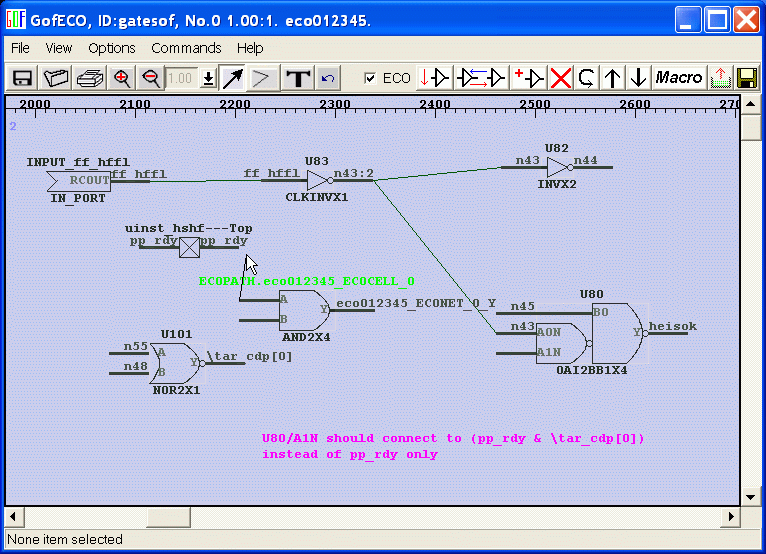
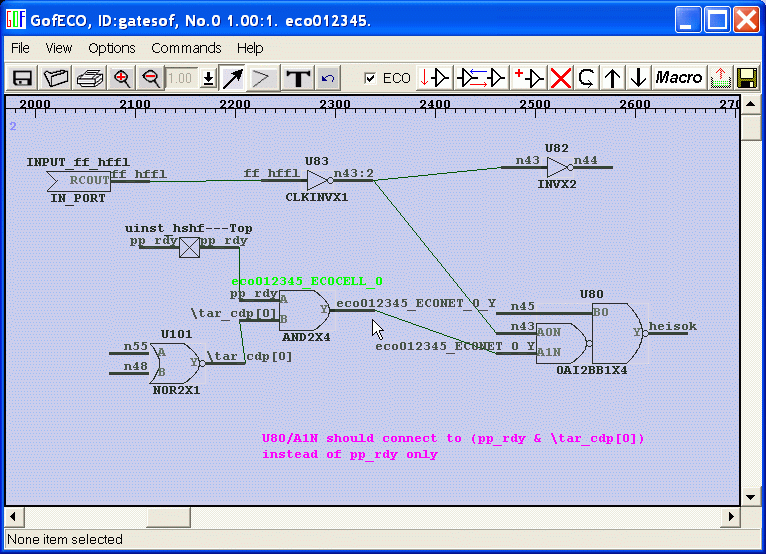
The following example shows how to connect an AND ECO gate in the circuit.
Press Mouse-middle-button on ECO cell's A input and don't release, move to pp_rdy net, a line is drawn along the cursor.
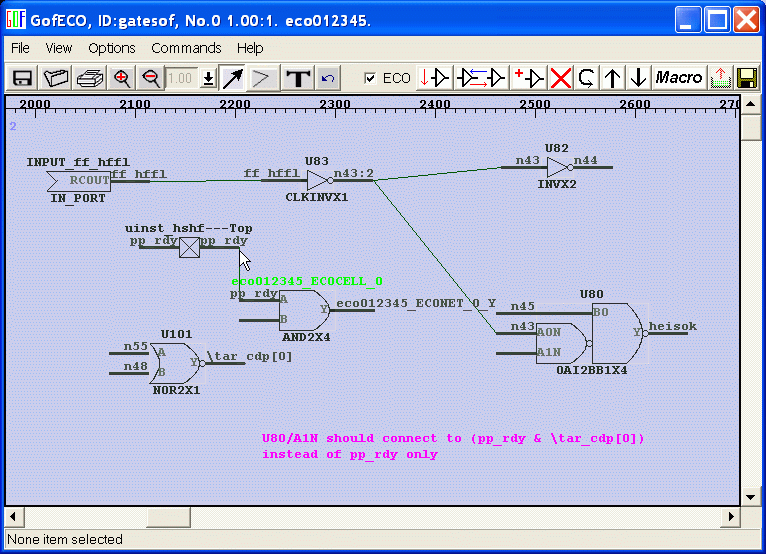
Release the button.
The line is connected to pp_rdy.
The ECO cell's A pin has pp_rdy assigned as input.
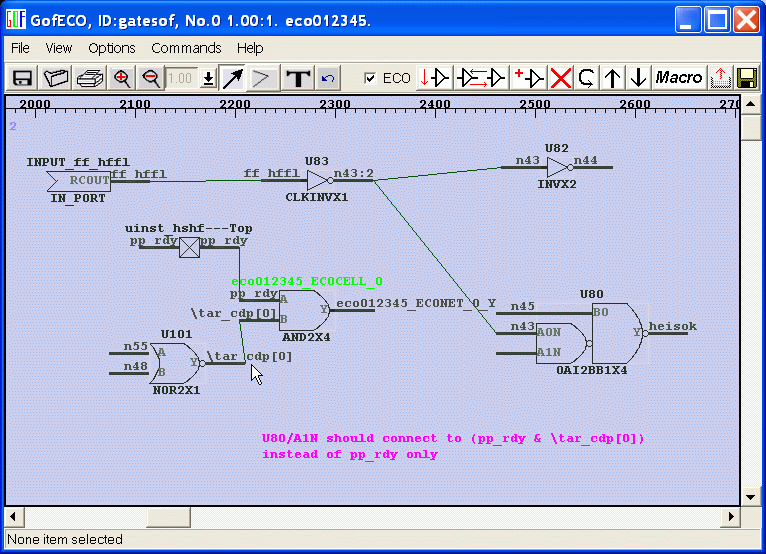
Do the same on ECO cell's B pin.
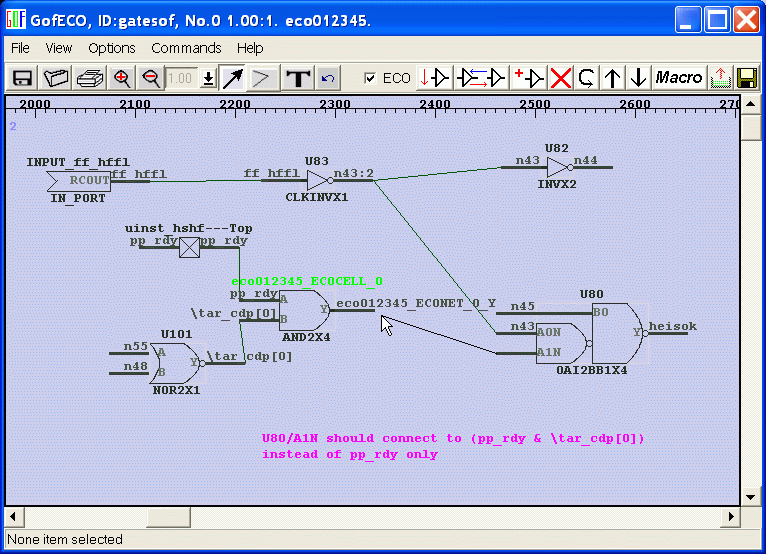
Mouse-middle-button pressed on U80/A1N and move to ECO cell's output pin.
The line is created and U80/A1N is now driven by ECO cell's output, which is logic of (pp_rdy & \tar_cdp[0] )
Follow us:
NanDigits US
|
NanDigits.cn China
© 2024 NanDigits Design Automation. All rights reserved.


 NanDigits US