In late stage of IC design, netlist is frozen which means no more new synthesis is allowed. But RTL simulation found a bug which needs rewriting a 8 bits state machine in one module. You have to do netlist ECO. (Engineering Change Orders). GOF can solve this case easily with different ways based on the bug scenarios.
Scenarios 1: The state machine has following code in RTL
- always @(posedge clk or negedge reset) begin
- if(!reset) curindex[7:0] <= 0;
- else if(load) curindex[7:0] <= src_ini[7:0] + dstini[7:0];
- else if(nxt_valid) curindex[7:0] <= nxt_curindex[7:0];
- end
The marked line should be modified to fix bug. After bug fix, it becomes
- always @(posedge clk or negedge reset) begin
- if(!reset) curindex[7:0] <= 0;
- else if(load) curindex[7:0] <= src_ini[7:0] + ((ggpls & shift_enable) ? {1'b1, dstini[6:0]} : dstini[7:0]);
- else if(nxt_valid) curindex[7:0] <= nxt_curindex[7:0];
- end
Analyze the difference of the lines, only dstini[7] connecting to curindex logic needs to be muxed with 0 and the control bit of mux is (ggpls & shift_enable)
ECO starts:
- Run "gof -v lib.v netlist.v" to bring up GofViewer.
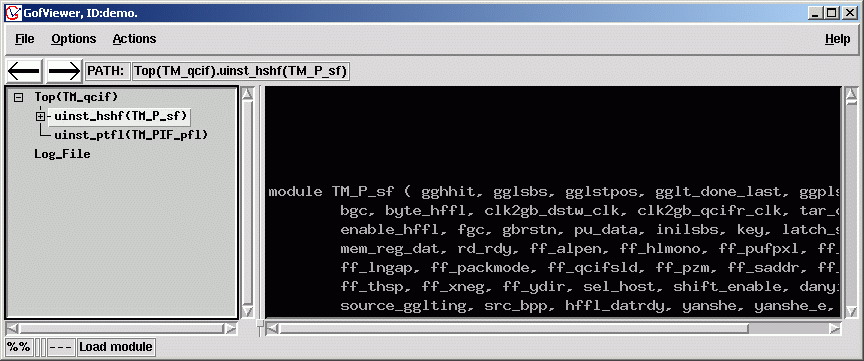
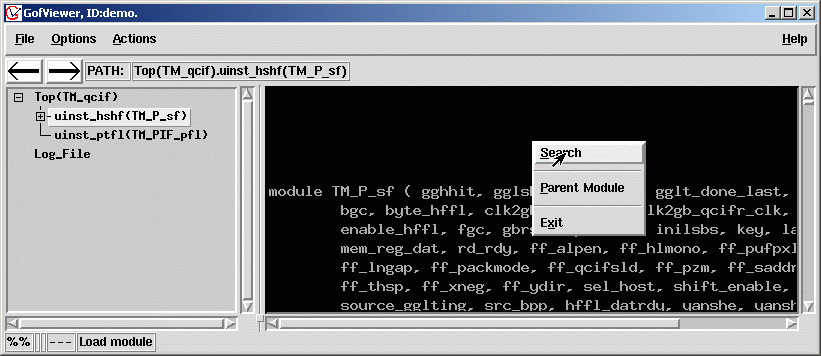
- Double click on "uinst_hshf(TM_P_sf)" in left hierarchical window to bring up TM_P_sf module, mouse-right-click to popup menu select search function
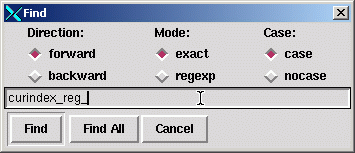
- Type in curindex_reg_ and press 'Find All' button
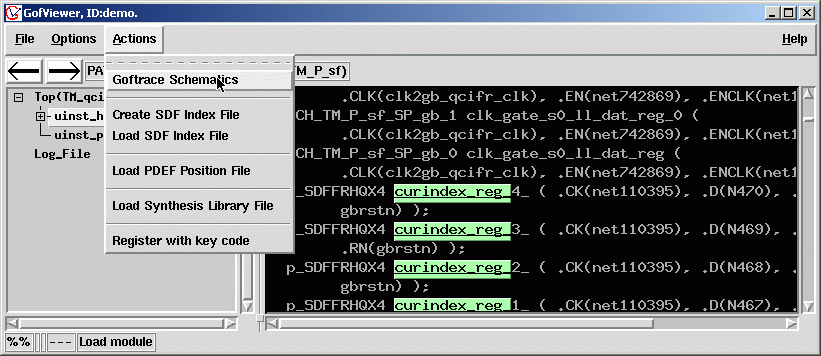
- The string matching curindex_reg_ will be highlighted, click menu Actions->Goftrace Schematics to bring up GofTrace.
- All 8 cells for curinex_reg_* are shown on the canvas.
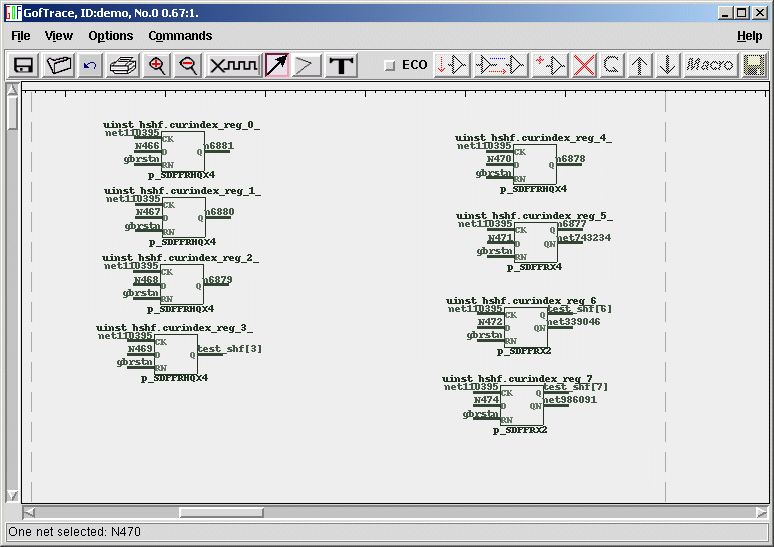
- Focus on curindex_reg_7 cell, back trace input pins of the cells, mouse-middle-click on the pins to back trace.
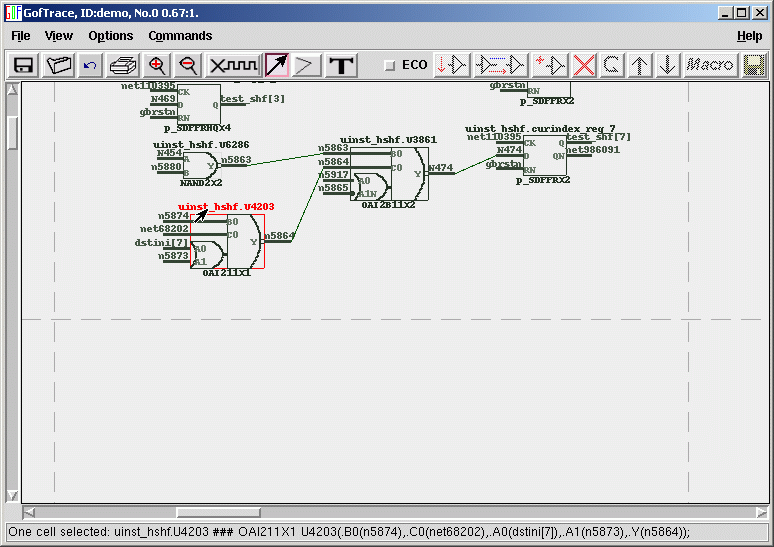
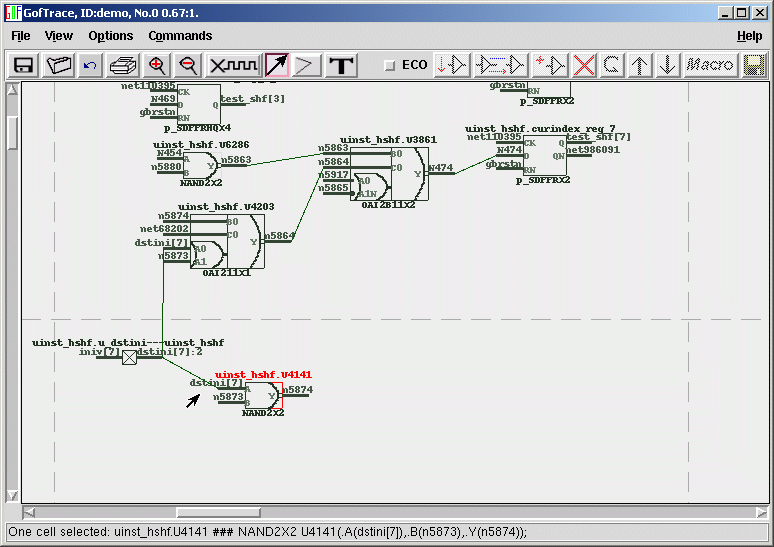
- After several mouse clicks, we find dstini[7] net, forward trace dstini[7] by mouse-middle-click on output pin driving dstini[7], the :2 means fanout number
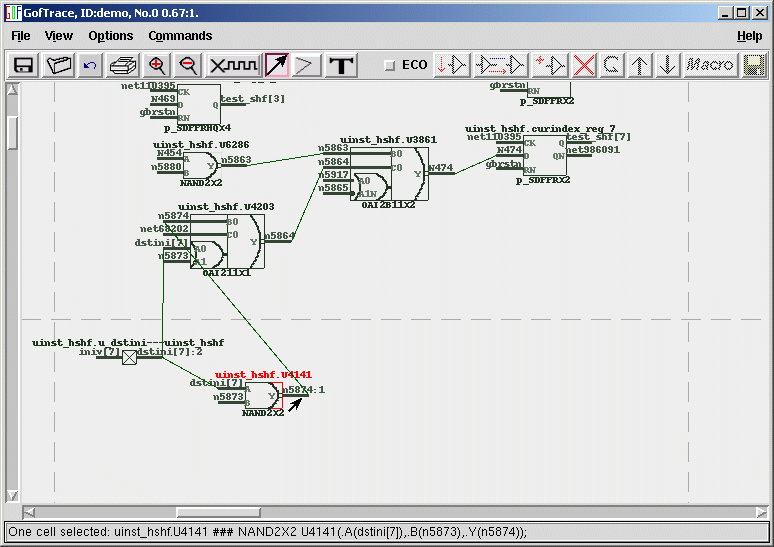
- Forward trace n5874 again, it also drives logic of curindex_reg_7's D input
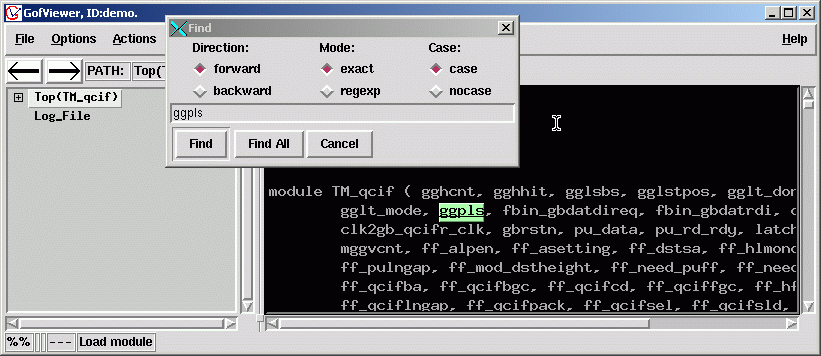
- The next step is finding logic (ggpls & shift_enable), try Find "ggpls" net.
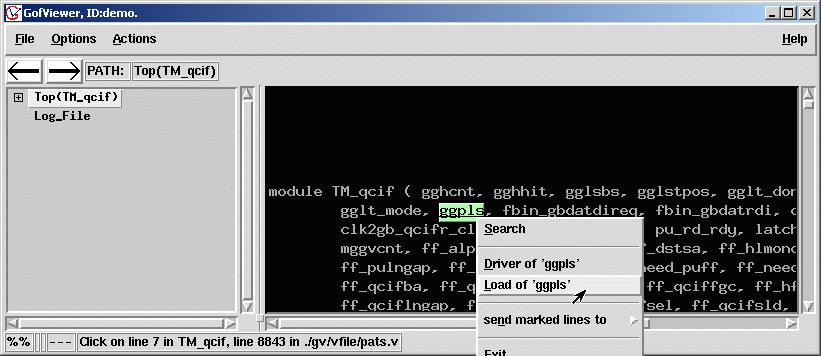
- Net "ggpls" is highlighted, mouse-right-click to popup menu, select Load of 'ggpls'
- Fanout window pops up, double click on the line.

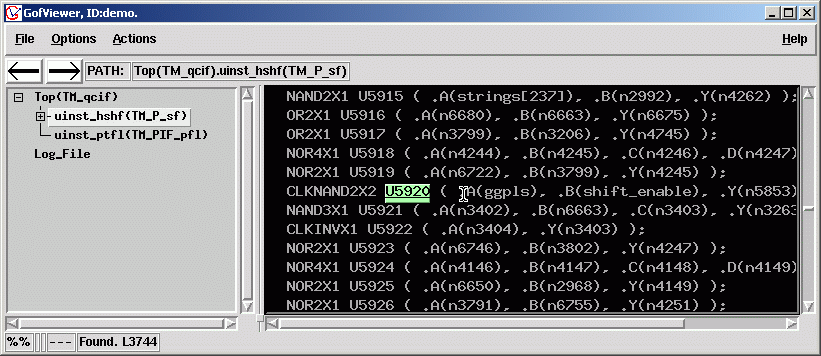
- Back to GofViewer window, the U5920 because of previous double clicking.
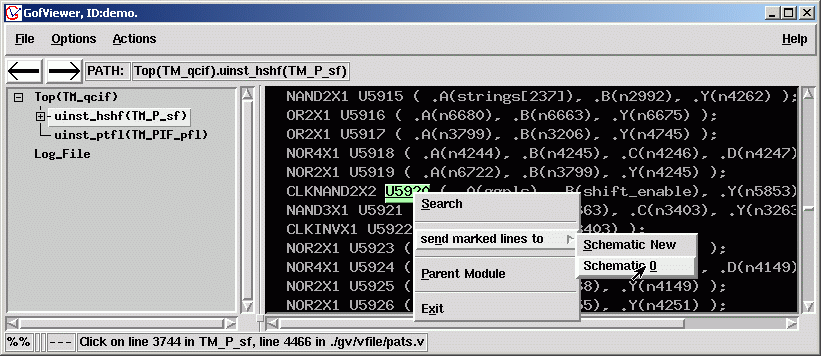
- Send U5920 cell to schematic 0
- U5920 is shown on the Schematic Canvas.
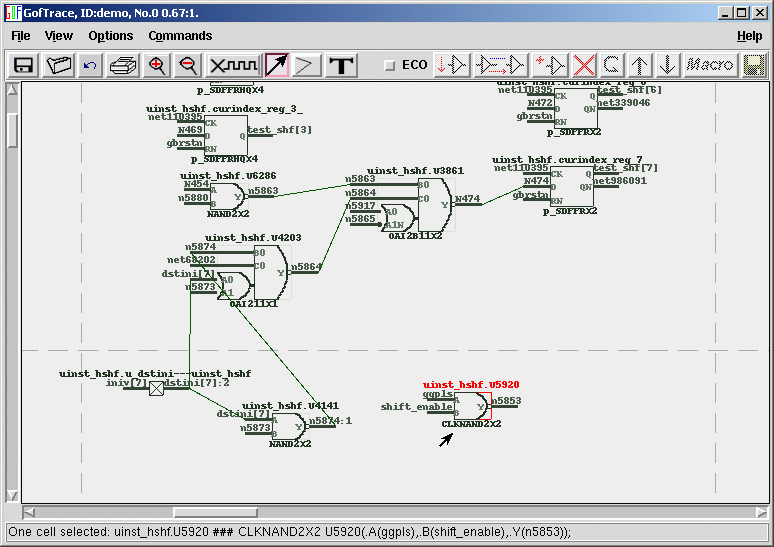
- Forward trace output of U5920, output net n5828 of U8264 has logic of (ggpls & shift_enable)
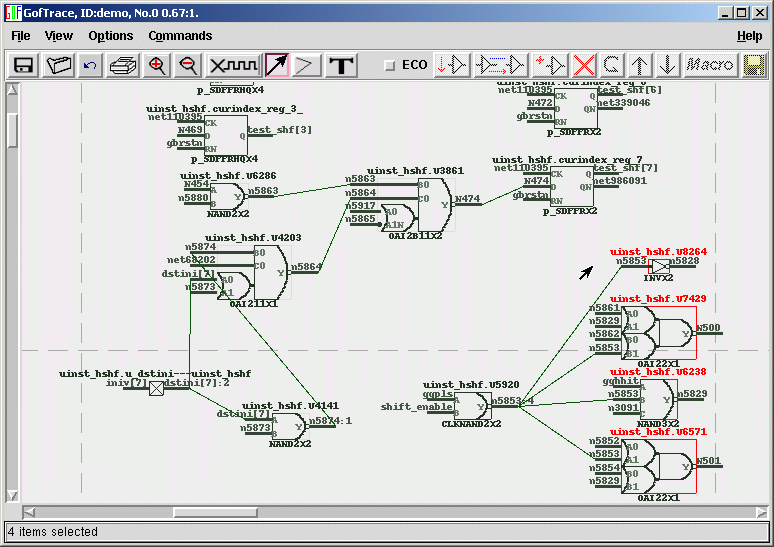
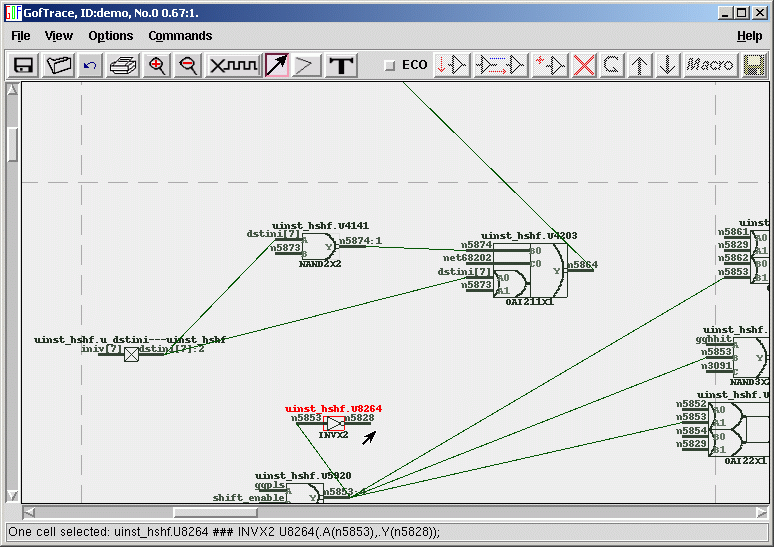
- Move the position of the cells involved to make it easy for ECO operations.
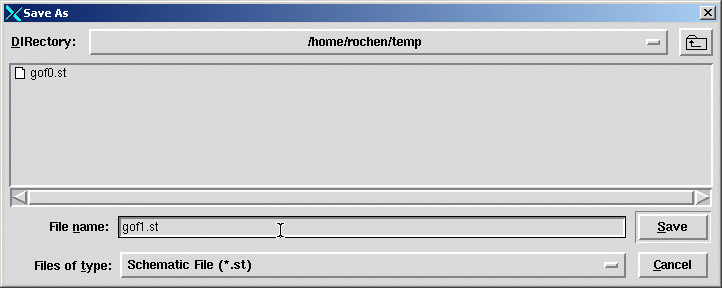
- Don't forget save the schematic in the middle of operations. It's always helpful.
- Click ECO checkbutton to enable ECO mode.
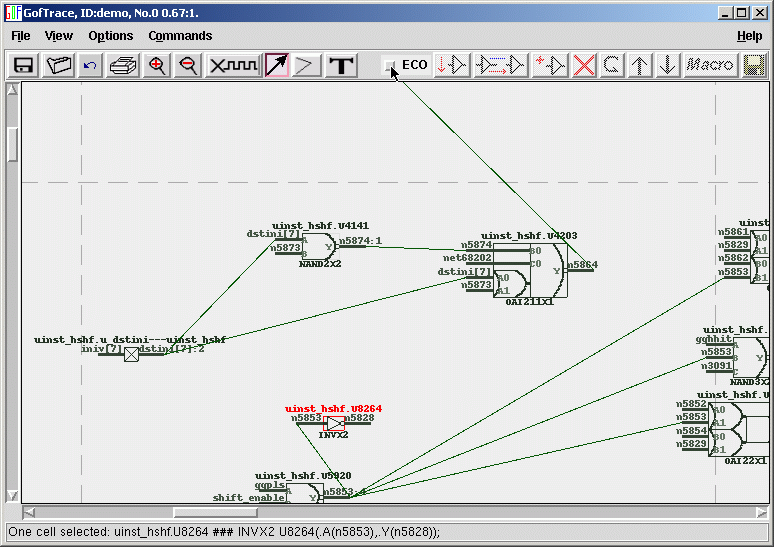
- GofECO Warning message window popup for ECO Name and library inputs.
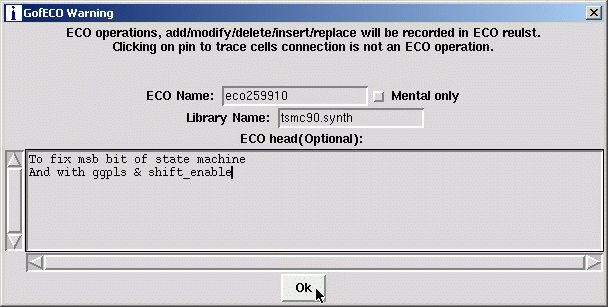
- Click ok to close the warning window and go to GofECO window. Click Add cell button.

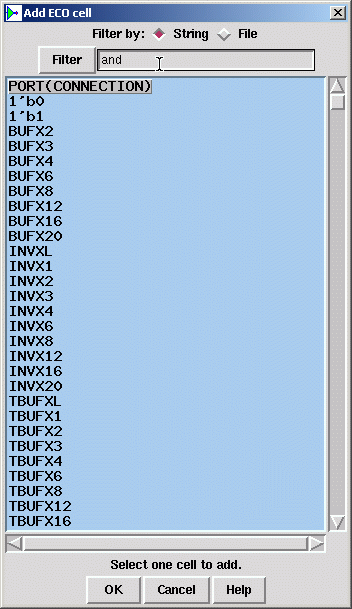
- Type "and" in Filter entry.
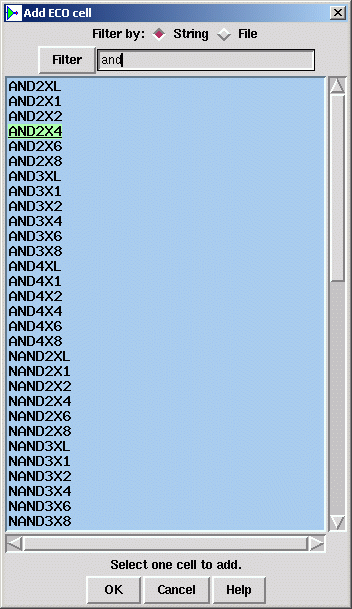
- Select AND2X4 and click Ok.
- AND2X4 is shown on the Schematic Canvas.
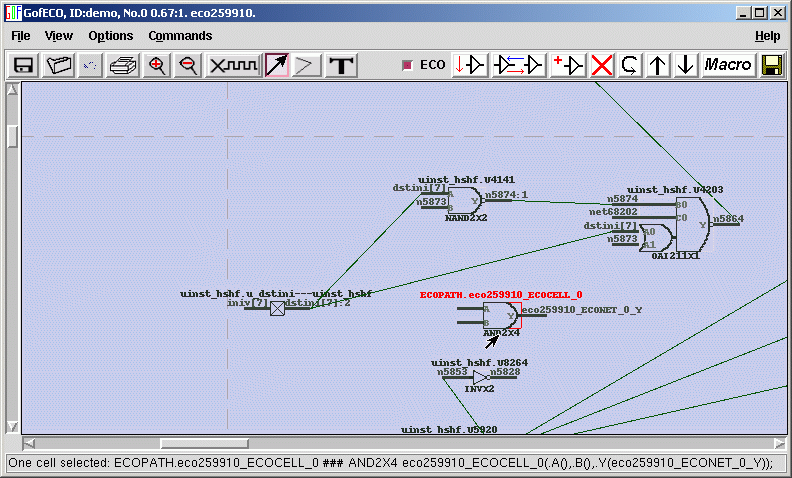
- Click dstini[7] net to select one, press 'ctrl' key and click other connection to select both dstini[7], click "delete selected item" button
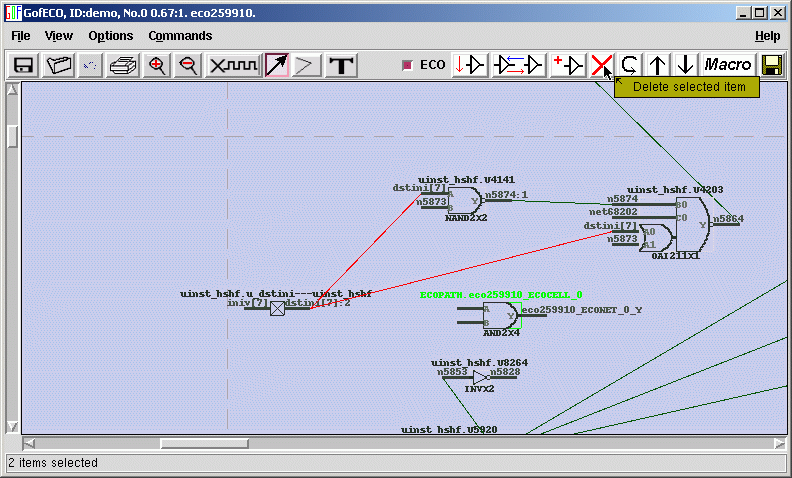
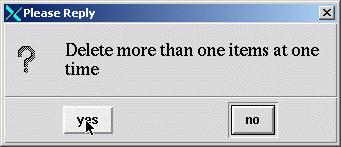
- Click yes on warning message window.
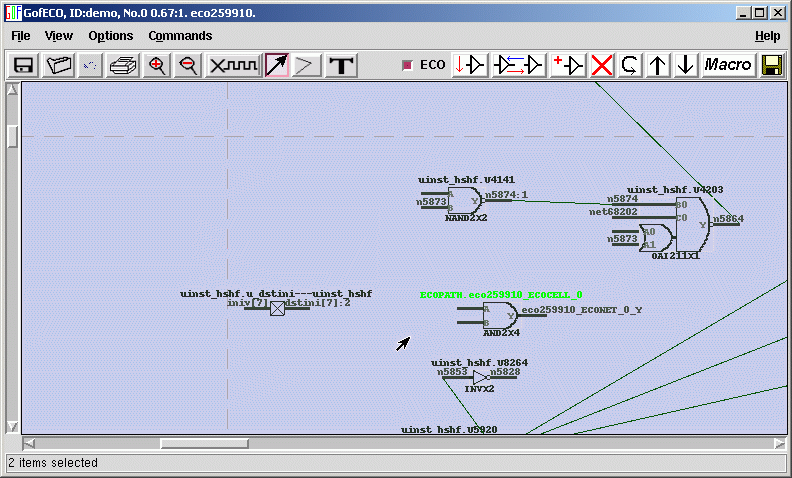
- Mouse-middle-click on empty input pin of ECO cell don't release, move to dstini[7] output pin and release.

- One connection is created. Use same way to connect other lines.
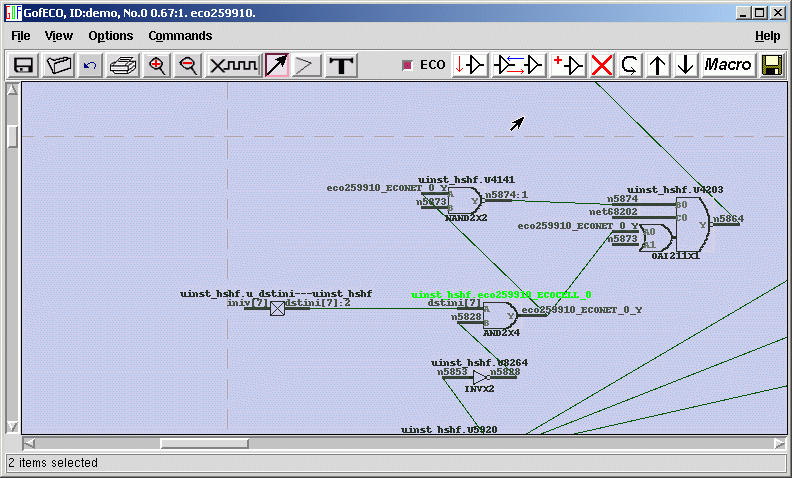
- Done the connections. Save the ECO result by pressing right side save button
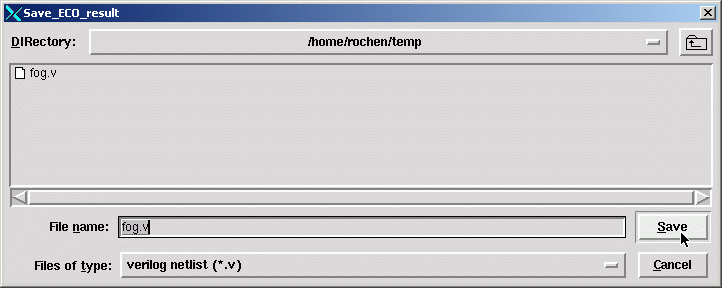
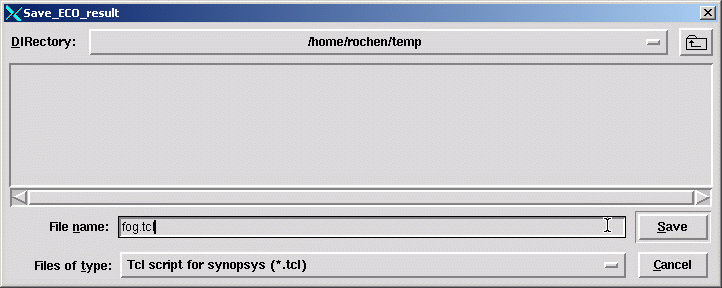
- You can select verilog mode or tcl script for synopsys mode.
Follow us:



© 2026 NanDigits Design Automation. All rights reserved.
