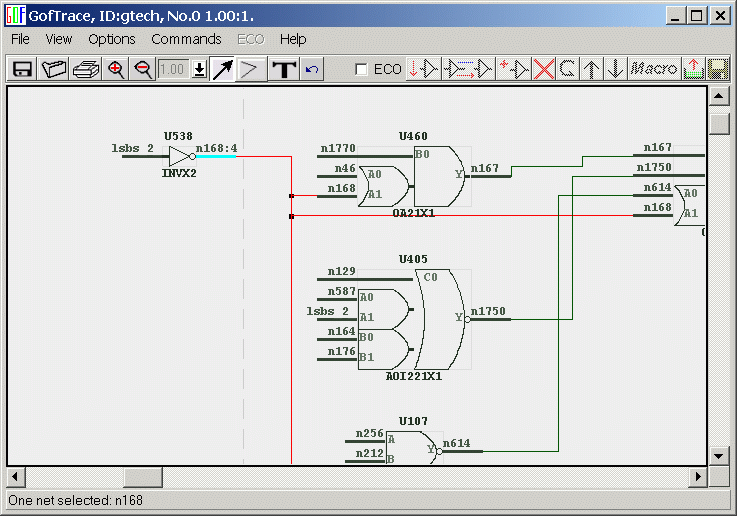
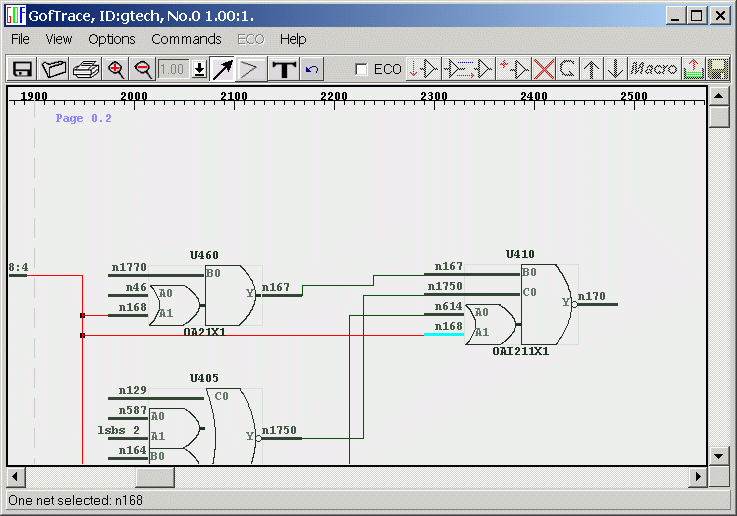
When one net is selected, press 'n' to
highlight connected pins and keep on pressing 'n' to switch among all
connected pins.
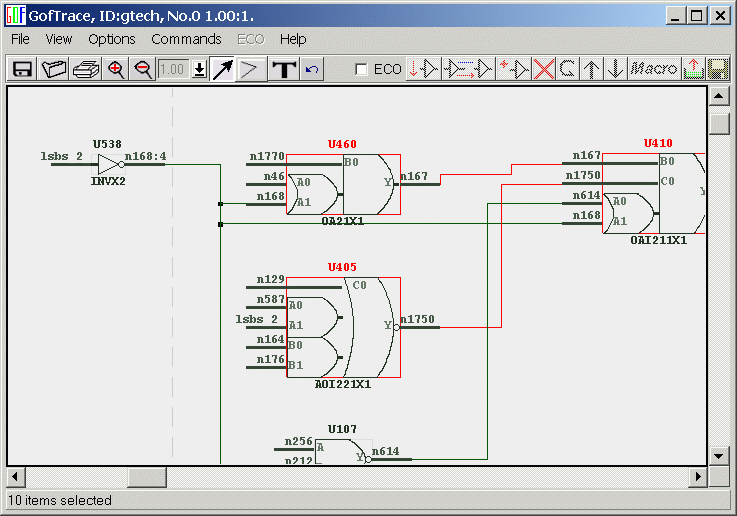
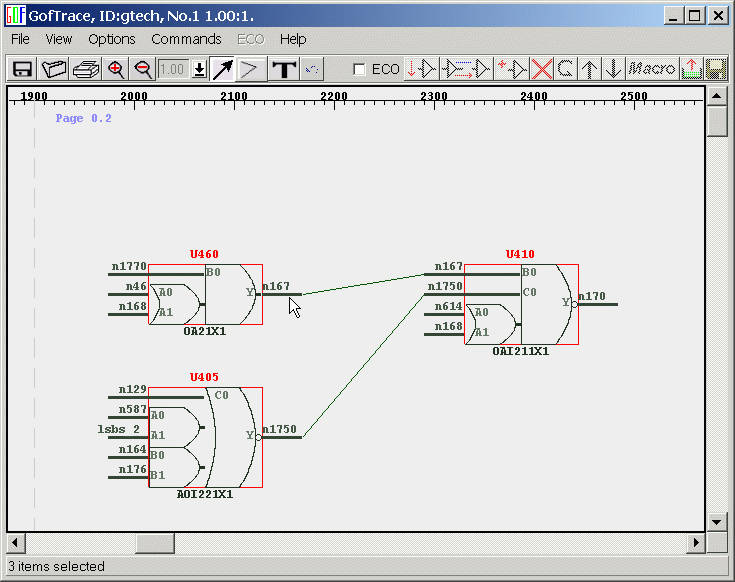
When some gates or nets are selected,
press 'Ctrl-digit' (digit is 0 to 9) to remember the selection. Any
time, press the digit to go back the selection.
'Ctrl-c' to copy the selected on one
schematic. Go to another schematic and press 'Ctrl-v' to paste the
copied on the schematic.
Press 'Alt' and roll mouse middle wheel
to move schematic window horizontally.
When one net is selected, press 'n' key, GOF
will highlight the pins connecting to the net one by one.
Press 'n' again, another pin is highlighted.
Select some gates and nets. Press 'Ctrl-c'
Go to another schematic, press 'Ctrl-v' to copy the
selected.