Go back to GofTrace Top
Find circuit between two ports/gates
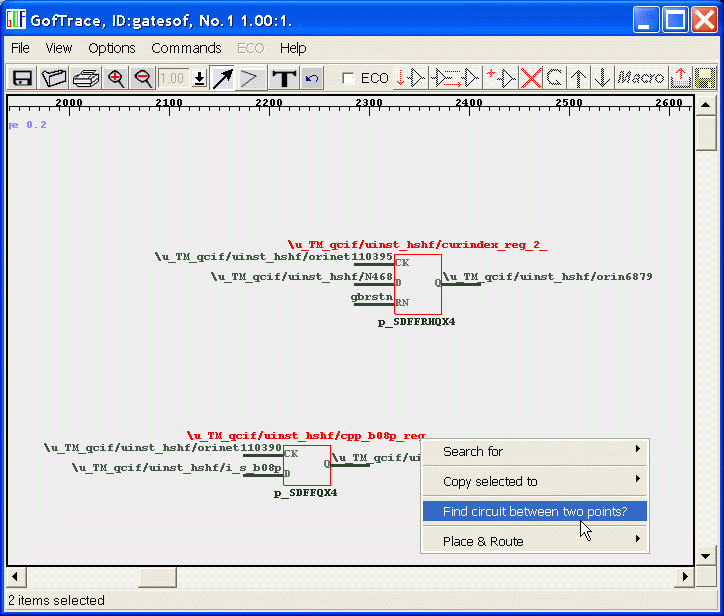
This function can draw or display a circuit between two points. For example, it can find out if there is path from a flipflop to another flipflop. Bring up a GofTrace window with the related gates on it. Use the send marked lines to feature to load ports/gates to the schematic. Select the related gates. Mouse-right-click to pop up menu, select "Find circuit between two points"
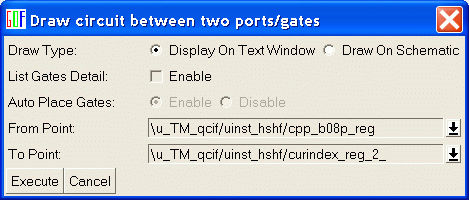
A control window pops up to choose right options. The default "Draw Type" is display the result on text window. List Gates Detail can be enabled to display gates detail.
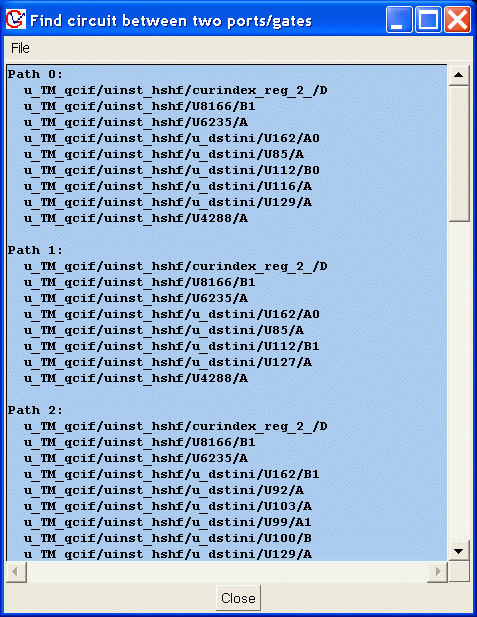
A text window pops up to list all connections from the first flop to the another.
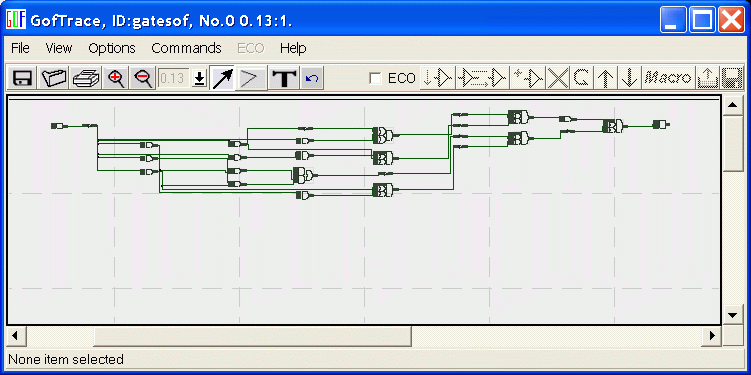
Or choose "Draw On Schematic" type, "Auto Place Gates" is active for selection in this mode.
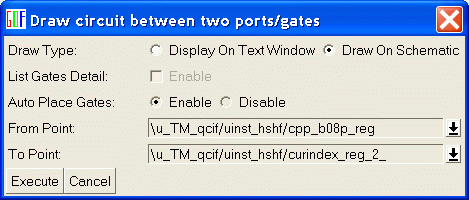
Click on Execute button. All existing paths are drawn between the two points.
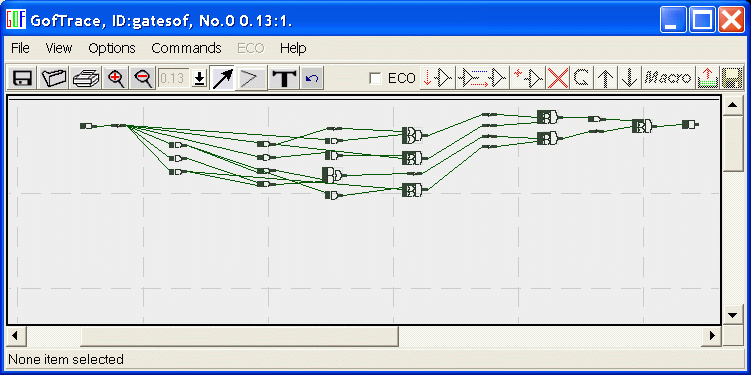
Auto route the wires to get better view.